
KX-FP343CN and KX-FP363CN are fax machines produced by Panasonic. They have audio, caller ID, slow, fast, single touch button, redial/pause, multi-station send, mute, digital hands-free calling, junk fax filter, auto receive, monitor, recording, stop, auto receive, next group, play message, fax/start and other functions.
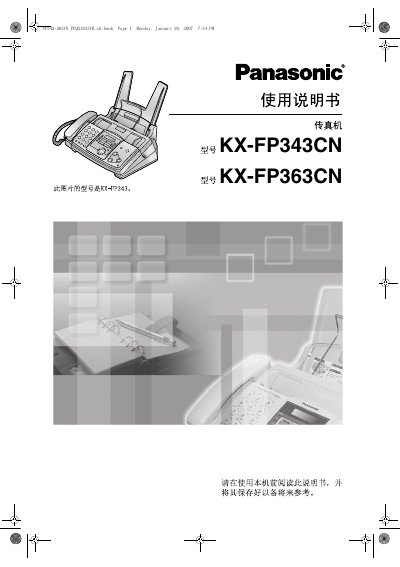
This manual introduces the KX-FP343CN and KX-FP363CN fax machines, describing the supplied accessories, safety precautions, and how to install the printing ribbon and record paper. Detailed diagrams show the location and function of each button on the control panel.
The guide covers telephone and fax functions, copying, answering‑machine features, remote operation, programmable settings, and maintenance tasks such as cleaning and paper‑jam removal. A full index and technical specifications are provided at the end of the document. This manual is written in Chinese.
| Record paper capacity | 50 sheets of 75 g/m² paper |
|---|---|
| Record paper size | A4 (210 mm × 297 mm) |
| Record paper weight range | 60 g/m² to 90 g/m² |
| Replacement ribbon length | 170 m per roll, prints about 210 A4 pages |
It can hold up to 50 sheets of 75 g/m² paper.