
This is the user manual of Panasonic DP-1510P/1810P/2010E digital image processing system, which mainly introduces the basic operation, precautions, maintenance, installation, control panel, copying, etc. of the copier.
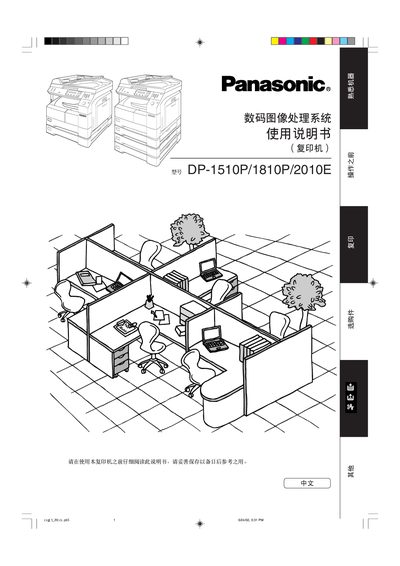
The document explains how to set up and operate the DP‑1510P/1810P/2010E copier, covering basic functions such as loading paper, using the ADF, and adjusting copy settings. It also includes important safety information, laser class warnings, and environmental compliance details.
Additional sections describe maintenance procedures, troubleshooting steps when memory is full, and the technical specifications such as operating temperature, humidity range, supported paper size, and Energy Star compliance. This manual is written in Chinese.
| Operating temperature | 10 °C – 35 °C |
|---|---|
| Relative humidity | 45 % – 80 % |
| Laser classification | Class 1 |
When the memory reaches capacity, the display shows an “OUTOFMEMORY… CONTINUE?” prompt where you can select YES to continue or NO to stop.
The copier uses a Class 1 laser, which is safe for normal operation and does not require special protective measures.