
This document is the user manual for KX-FC976CN, which includes installation and quick start, important information, preparation, telephone, fax, copy, programmable functions, options, help, maintenance, general information, etc. The product has telephone, fax, and copy functions, and supports cordless handset accessories. The caller ID feature requires application and service from the service provider.
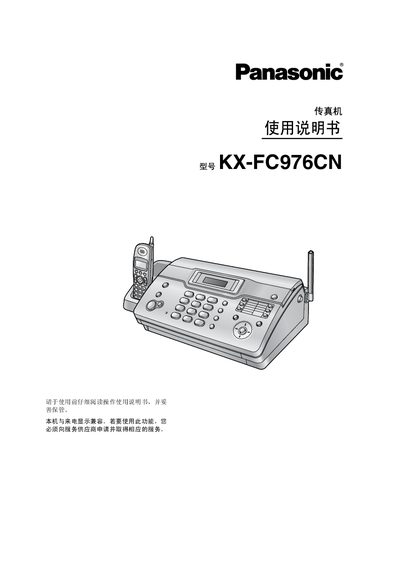
This manual covers the installation and quick‑start procedures for the Panasonic KX‑FC976CN fax machine, including how to connect power, install the fax cartridge, and set up optional accessories. Safety information and important operating guidelines are provided to ensure reliable performance.
The document also explains how to use the fax and call functions, adjust settings, perform routine maintenance, and troubleshoot common problems. Technical specifications such as power requirements and charging time are listed for reference. This manual is written in Chinese.
| Power supply voltage | 220 V‑240 V, 50/60 Hz |
|---|---|
| Charging time | At least 15 minutes |
Follow the steps in the "Installation and Quick Start" section, which describe connecting the power cord, installing the fax cartridge, and attaching optional accessories.
Charge the unit for at least 15 minutes; the display will indicate the charging status.
Consult the troubleshooting section, which provides steps to isolate and resolve faults when a function fails.