
This document provides instructions for using the Olympus digital camera C-60 ZOOM, including its features and tips for prolonging its lifespan.
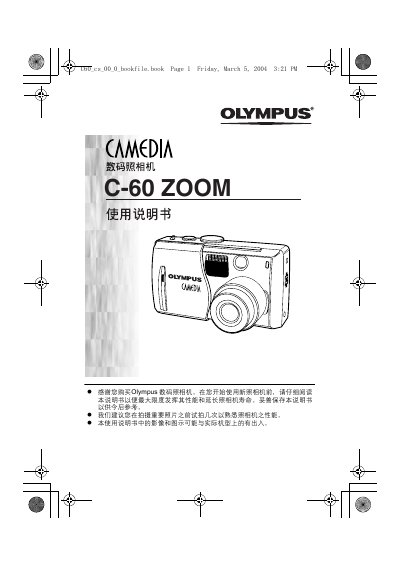
This manual introduces the Olympus C-60 ZOOM digital camera, covering its parts, LCD indicators, battery handling, and memory card usage. It guides users through preparation steps, basic functions, and how to attach accessories such as the optional AC adapter.
Detailed sections explain shooting modes, autofocus, exposure, white balance, image quality settings, playback functions, printing options (including PictBridge), and troubleshooting. The document also lists specifications, safety information, and service contacts for Olympus. This manual is written in Chinese.
| Effective Pixels | 6,070,000 |
|---|---|
| Image Sensor | 1/1.76 inch CCD |
| Maximum Image Resolution | 2816 × 2112 pixels |
| Lens Focal Length | 7.8 – 23.4 mm |
| Maximum Aperture | f/2.8 – f/4.8 |
| Memory Card Type | xD‑Picture Card 16 MB – 512 MB |
| Battery | Olympus LI‑10B/12B Li‑ion |
| LCD Screen | 1.8‑inch TFT, ~134,000 dots |
| Dimensions (W×H×D) | 99.1 mm × 56.4 mm × 41.0 mm |
| Weight (without battery/card) | 198 g |
Replace the remote’s battery with a CR2025 cell.
It uses an xD‑Picture Card ranging from 16 MB to 512 MB.
The camera can record images at up to 2816 × 2112 pixels.