
User guide for the Logitech Wireless Desktop MK300, covering setup, keyboard hot keys, and troubleshooting.
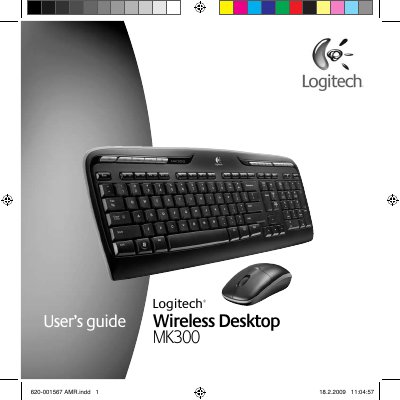
Logitech Wireless Desktop MK300 user's guide is a multilingual manual in English, Spanish, French, and Portuguese for the wireless desktop set. It covers setup and features, including keyboard hot keys and battery status checks.
Troubleshooting guidance includes cursor movement issues, turning on the mouse, and connecting the mouse and keyboard to the receiver. Customer support contact information and an ergonomics link are also provided.
| Receiver cable length | 8 in (20 cm) |
|---|
Try the mouse on a different surface; dark surfaces can affect cursor movement on the computer screen.
Move the power switch on the bottom of the mouse to the right; the green battery LED on top should light for 10 seconds.
Press the Connect button on the receiver, then quickly press the Connect button on each device; the mouse LED should blink.
Check the customer service phone numbers on page 58 and visit www.logitech.com/comfort for product use and ergonomics information.