
Getting started guide for the Logitech M345 wireless mouse, covering setup, features, Unifying receiver pairing, and troubleshooting.
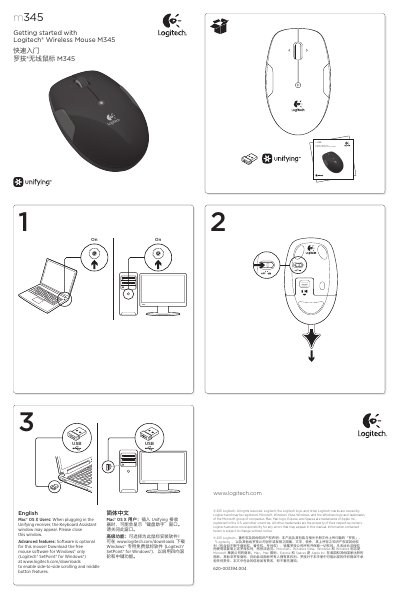
This guide covers setup and use of the Logitech M345 wireless mouse, including its buttons, scroll wheel, battery LED, power switch, and Unifying receiver storage.
It also explains how to pair additional Unifying devices and provides troubleshooting steps when the mouse is not working. This manual is written in Chinese.
| Battery | One AA alkaline battery |
|---|---|
| Unifying receiver capacity | Up to six devices on one USB port |
| Battery indicator | Flashes red when battery power is low |
Software is optional; free mouse software for Windows is available to enable side-to-side scrolling and middle button features.
The mouse uses one AA alkaline battery.
Up to six devices can use one USB port.
It flashes red when battery power is low.