
Getting started guide for the Logitech M185 wireless mouse, with setup help, features, safety, compliance, and warranty information.
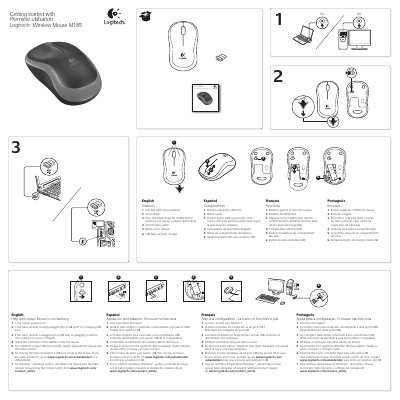
This guide covers getting started with the Logitech M185 wireless mouse. It includes setup troubleshooting, product features, ergonomic guidance, battery and safety warnings, compliance statements, and limited warranty information.
The guide is presented in English, Spanish, French, and Portuguese. It also provides Logitech support contact information and states an operating temperature range of 5° C to 40° C.
| Operating temperature | 5° C to 40° C (41° F to 104° F) |
|---|
Check that the mouse is powered on, the Nano receiver is securely plugged into a USB port, the battery orientation is correct, and try a different surface; for Windows, reconnect using the Connect utility.
The operating temperature range is 5° C (41° F) to 40° C (104° F).
See a qualified health professional.
Visit the support section at www.logitech.com/support for technical assistance before submitting a warranty claim.