
Logitech K811 Bluetooth Easy-Switch Keyboard setup guide: pairing with Mac, iPad and iPhone, switching between three devices, and charging.
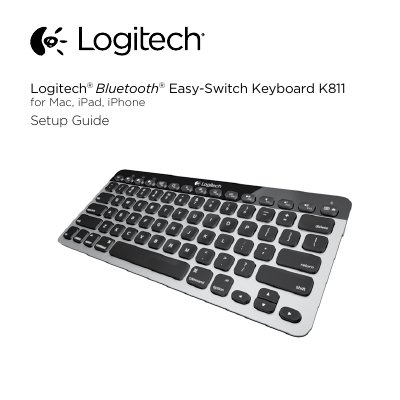
This is the Logitech setup guide for the Bluetooth Easy-Switch Keyboard K811, intended for Mac, iPad and iPhone users. It starts with a labeled illustration of the product parts, including the Bluetooth status lights, Bluetooth keys, function keys, battery status light, On/Off switch, Bluetooth connect button, Micro-USB port and Micro-USB charging cable. The guide then walks through turning the keyboard on, pressing the Bluetooth connect button, assigning a device to a Bluetooth key, and completing pairing in Mac OS X or iOS.
The remaining English sections explain how to pair or reassign a Bluetooth key to another Apple device, how to switch among up to three paired Apple devices, and how to check and charge the battery. A final page points to Logitech Product Central for tutorials, troubleshooting, software downloads and warranty information. The document is published in English, Traditional Chinese and Korean.
| Battery life with backlight | Up to 10 days of use |
|---|---|
| Battery life without backlight | About one year |
| Charging time | 1 to 3 hours |
| Number of pairable Apple devices | Up to three |
| Discoverable time after pressing the connect button | 3 minutes |
| Charging port | Micro-USB |
Turn the keyboard on, press the Bluetooth connect button, press a Bluetooth key, then open System Preferences > Bluetooth, choose "Logitech K811" from the device list and click Pair.
You can pair up to three compatible Apple devices, each assigned to one of the Bluetooth keys.
Turn the keyboard off then on; if the Battery Status light flashes red, the battery needs recharging.
Yes, the keyboard can be used while it charges through the Micro-USB cable.