
This manual provides instructions for setting up, using, and troubleshooting the Logitech Harmony 650 universal remote control.
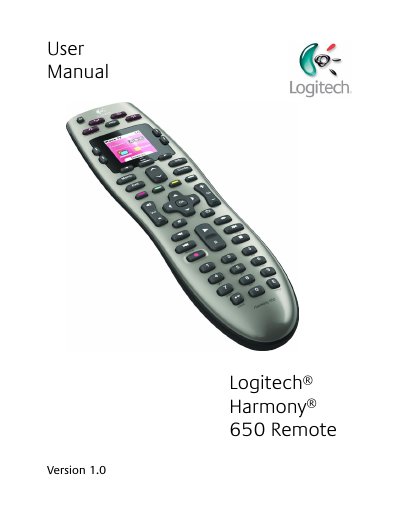
The Logitech Harmony 650 is an Activity-based infrared (IR) universal remote control designed to simplify home entertainment. Using Smart State Technology, it tracks the status of connected devices to ensure they are on or off as needed for specific activities like watching TV or movies.
This user manual guides you through the initial setup process, including creating a user account and connecting the remote to your computer via Harmony software. It details how to configure up to 5 devices, set up Activities with one-button control, manage favorite channels, and use the on-remote help feature to troubleshoot sync issues.
| Controlled Devices Limit | up to 5 devices |
|---|
Press the Help button, answer the questions on the screen, and follow the instructions to re-send commands.
Yes, you can use Activities to turn on multiple required devices with a single button press.