
This guide explains how to customize the Logitech G502 Proteus Spectrum gaming mouse, including adjusting weights, configuring onboard profiles, and using…
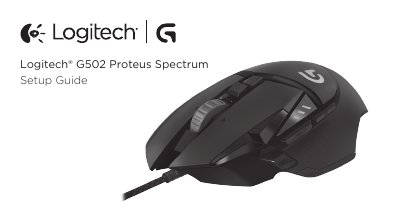
This document serves as a setup guide for the Logitech G502 Proteus Spectrum gaming mouse. It provides instructions on how to adjust the mouse's weight and balance by inserting up to five 3.6 gram weights in various orientations. The guide also details the process for customizing the three onboard profiles, which cover surface tuning, button programming, lighting color, lighting effects, and tracking behavior.
| Weight Capacity | Up to five 3.6 gram weights |
|---|---|
| DPI Values | 1200, 2400, 3200, 6400 |
| Reports/sec | 1000 or 500 |
| Programmable Buttons | 11 fully programmable buttons |
Open the weight door by pulling the tab down with your left thumb, insert the weights, and close the door by rotating it down until the magnet holds it firmly.
Use Button 9 (Profile select) to rotate through the three preconfigured profiles.
The DPI indicator lights will change color to blue for three seconds and indicate the new mode.