
This guide explains how to adjust the weight and balance, customize onboard profiles, and use the Logitech Gaming Software for the G502 Proteus Core mouse.
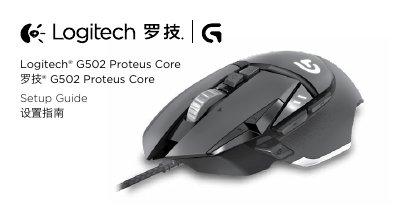
This document serves as a setup guide for the Logitech G502 Proteus Core gaming mouse. It provides instructions on adjusting the mouse's weight and balance by inserting optional weights into the internal compartment. The guide also details how to switch between three preconfigured onboard profiles using the dedicated profile button. This manual is written in Chinese.
Open the weight door by holding the mouse in your right hand and pulling the blue tab down with your left thumb.
You can place up to five 3.6 gram weights in various orientations.
Use the Logitech Gaming Software to customize tracking behavior, button programming, surface tuning, and to tune the sensor.