
Logitech Harmony 950 Setup Guide

This guide covers package contents, initial setup, usage instructions, gesture controls, and troubleshooting for the Logitech Harmony 950 remote control.
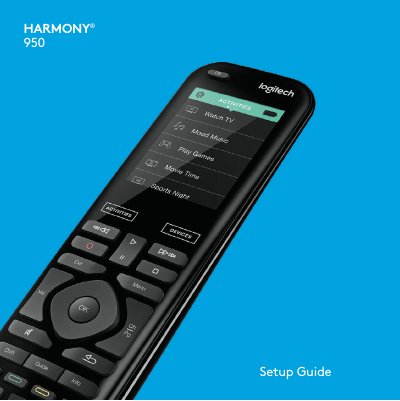

Logitech Harmony 950 Setup Guide - cover page
Brand
Logitech
Document type
User Manual
Language
English
Pages
8
File format
PDF
File size
332 KB
Published
22 October, 2026
Updated
22 October, 2026
Model
950
MD5 checksum
E8F1812AF9D89D685C3C4EF0C5138944

About this manual

This document serves as the setup guide for the Logitech Harmony 950 remote control. It details the package contents, including the remote, charging cradle, USB cable, and AC adapter. The guide provides step-by-step instructions for initial setup using a PC or Mac and the MyHarmony desktop software, as well as instructions for charging the device.

What's inside

  • Package contents
  • Initial setup
  • Charging the remote
  • How to use your remote
  • Activities
  • Devices
  • Gestures & Gesture Hints
  • Troubleshooting

Frequently asked questions

How do I restart the Harmony remote?

Press and hold the Off button for 15 seconds or until the Logitech logo appears on the display.

What happens if the battery drops below 20%?

The battery meter will automatically be displayed on the screen.

Download PDF (332 KB)

More Logitech Manuals


View all Logitech manuals →