
This user manual provides instructions for setting up, using, and maintaining the Logitech Harmony 700 universal remote control.
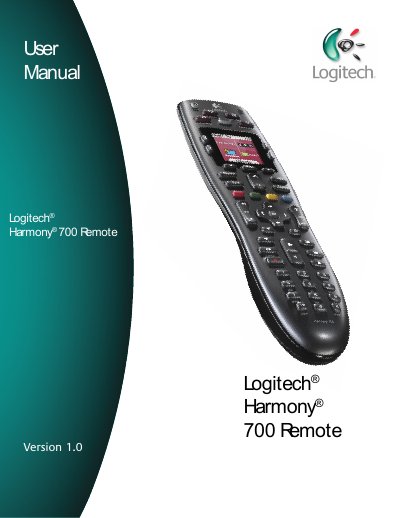
The Logitech Harmony 700 is an activity-based infrared universal remote control designed to manage home entertainment systems. It utilizes Smart State Technology to track the status of connected devices, allowing the remote to automatically power on necessary equipment and turn off unused devices when switching between activities like watching TV or listening to music. The device is configured using the Harmony Remote Software, which supports controlling up to six devices.
| Controlled Devices | up to 6 devices |
|---|
It uses Smart State Technology to keep track of the devices it controls and knows which ones are on.
Press the All Off button to power off all the devices used in the current Activity.
Yes, you can select a specific device from the list on the remote screen and choose commands for that device.