
This user manual provides instructions for operating the Laser DVD-HD008 player, including remote control functions, system settings, file playback, and…
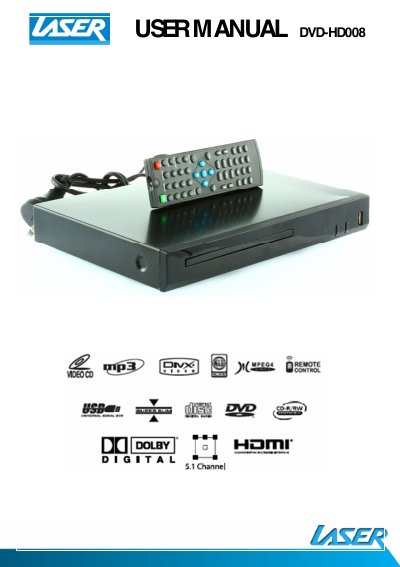
This document is the user manual for the Laser DVD-HD008 DVD player. It details the functions of the remote control, including disc tray operation, audio selection, and playback controls. The guide explains how to connect the player to various displays and audio systems using HDMI, coaxial, or RCA connections. It also covers system settings, supported file formats for USB playback, and troubleshooting steps for common issues.
| Supported Video Files | AVI (Xvid), VOB |
|---|---|
| Supported Audio Files | MP 3 |
| Supported Image Files | JPG |
Turn the power OFF and then ON again, then immediately press the OPEN/CLOSE button.
Ensure the TV is on, check cable connections, and verify the correct input selection on the TV.
Clear obstacles between the remote and player, move closer, check battery condition, or clean the sensor panel.