
This manual is the Laser MFP User Guide, which provides information on setting up the machine and installing software, as well as detailed instructions for using the machine as a printer, scanner, and copier. It also explains how to scan and save documents using a USB flash drive, and how to print documents stored on a USB flash drive.
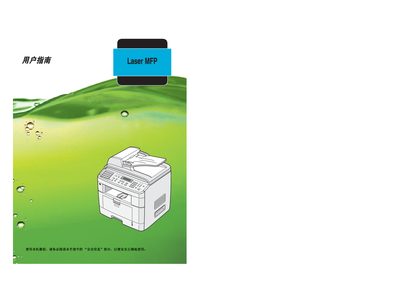
This manual explains how to install the Ricoh Aficio FX200/DSm520p laser multifunction printer, configure the supplied software, and use its printing, scanning, copying, and fax functions. Safety warnings, laser classification, and electrical precautions are detailed to ensure safe operation.
Paper handling guidelines, supported media types, and specifications for printing, copying, and scanning are covered, along with troubleshooting steps, toner replacement, and network/telephone connection procedures. This manual is written in Chinese.
| Laser class | Class 1 |
|---|---|
| Laser diode power | 5 mW |
| Laser wavelength | 770‑795 nm |
Refer to the maintenance section titled “更换 墨粉盒” for step‑by‑step toner replacement instructions.
The device contains a 5 mW AlGaAs laser diode (770‑795 nm) classified as Class 1; the laser beam is fully enclosed during normal operation, and users must not open the cover or adjust the laser without following the manual.
The MFP uses an RJ11C USOC telephone jack for connecting to the telephone line.