
This document is a user manual for the TELECOM LASER MFP SP 1000S SP 1000S device. The manual includes safety information, operating instructions, installation steps, printing function guide, personal computer functions, maintenance, and service.
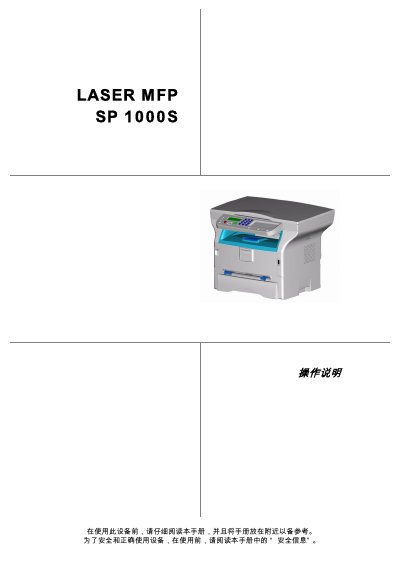
This manual covers all aspects of using the Telecom SP 1000S laser multifunction printer, from safety precautions and installation requirements to detailed operating procedures for printing, copying, and scanning. It also includes troubleshooting guidance and maintenance steps to keep the device running reliably.
Technical specifications, paper handling options, and configuration settings are listed, allowing users to customize the printer for their office environment. The document is intended for end‑users and service technicians who need clear, step‑by‑step instructions.
| Dimensions | 344 x 447 x 386 mm |
|---|---|
| Weight | 11.6 kg |
| Power Supply | 220‑240 V, 50/60 Hz, 4.5 A |
| Power Consumption (idle) | 10 W |
| Power Consumption (standby) | 13 W |
| Power Consumption (printing) | 340 W (peak 900 W) |
| Operating Temperature | 10 °C to 27 °C |
| Operating Humidity | 15 % to 80 % (up to 54 % at 32 °C) |
| Print Speed (black‑white) | Up to 16 pages per minute |
| Print Resolution | 600 dpi |
| Scan Resolution (interpolated) | 2400 dpi |
| Maximum Paper Capacity | 250 sheets (60 g/m²) or 200 sheets (80 g/m²) |
The device should be used at temperatures between 10 °C and 27 °C with ambient humidity from 15 % to 80 % (up to 54 % when the temperature reaches 32 °C).