
This user manual provides instructions for operating the Laser HD008 DVD player, including remote control functions, system setup, file playback, and…
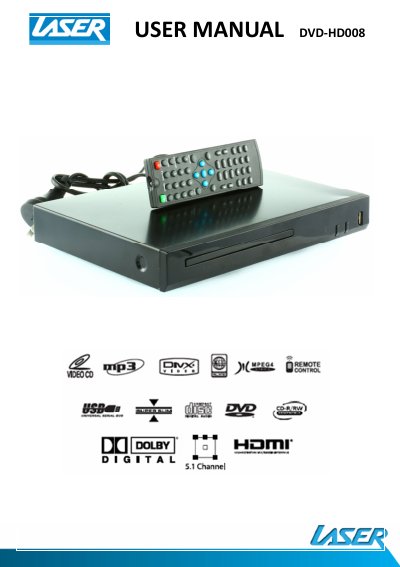
The Laser HD008 is a DVD player that supports playback of video files (AVI, VOB), audio files (MP3), and images (JPG) from both discs and USB drives. The device features a remote control with buttons for playback control, menu navigation, and audio settings, including options for subtitles and zoom.
| Supported Video Files | AVI (Xvid), VOB |
|---|---|
| Supported Audio Files | MP3 |
| Supported Image Files | JPG |
| Warranty Period | 12 months |
The player supports Video files (AVI, VOB), Audio files (MP3), and Image files (JPG).
Turn the power OFF and then ON again, then immediately press the OPEN/CLOSE button to open the tray.
High Definition files may cause intermittent playback issues; reducing the resolution and bit rate of the file can improve playback.