
Laser TWS earphones adopt HiFi dual hybrid dynamic drivers, with excellent sound quality, comfortable wearing and long battery life.
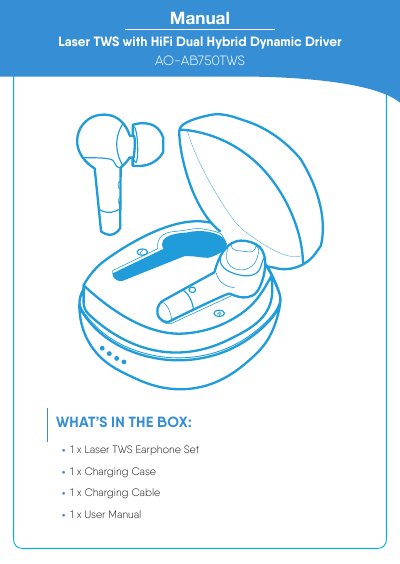
This manual covers the Laser AO-AB750TWS true wireless earphones with HiFi dual hybrid dynamic driver and their charging case. It lists the box contents and explains Bluetooth pairing, disconnecting, and re-syncing, as well as touch-area controls for playback, track skipping, volume, calls, and voice assistant.
The manual also describes wired charging via the USB-C port and wireless charging on a Qi charger, including LED charge indicators and charge times. A troubleshooting section addresses one-earphone audio, Bluetooth connection problems, and audio stuttering, followed by Laser's 12-month warranty against defects.
| Bluetooth Version | 5.0 |
|---|---|
| Bluetooth Range | 10 meters |
| Speaker Impedance | 32Ω ± 15% |
| Earphone Battery Capacity (each) | 40mAh |
| Charging Case Battery Capacity | 400mAh |
| Earphone Runtime | 3 hours |
| Earphone Charge Time | 2 hours |
| Case Charge Time (Wired) | 2.5 hours |
| Case Charge Time (Wireless) | 3.5 hours |
Make sure both earphones have been charged, then follow the re-syncing instructions in the manual to sync the two earphones together.
Take both earphones out of the charging case and place them next to the device, wait a minute for the Bluetooth device list to update, then search for and select AO-AB750TWS.
The maximum wireless range is 10 meters; if you are close to or exceeding this distance the sound signal may be affected. Also be mindful of the Touch Area when handling the earphones.
The earphones take about 2 hours to charge. The case takes about 2.5 hours when charged wired and about 3.5 hours when charged wirelessly.