
User manual for the Laser AO-AB750TWS TWS earphones, covering packaging contents, technical specifications, operation instructions, troubleshooting, and…
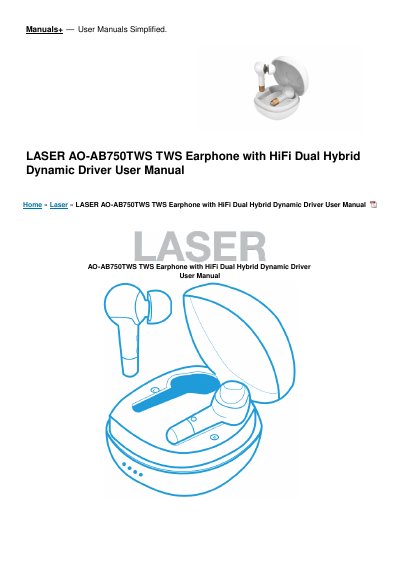
This document serves as the user manual for the Laser AO-AB750TWS TWS earphones. It details the contents of the package, including the earphone set, charging case, and cable. The guide provides comprehensive instructions on how to pair the earphones via Bluetooth, control audio playback, manage calls, and use voice assistants.
| Bluetooth Version | 5 |
|---|---|
| Bluetooth Range | 10 meters |
| Speaker Impedance | 32 Ω ± 15% |
| Earphone Battery Capacity | 40mAh |
| Charging Case Battery Capacity | 400mAh |
| Earphone Runtime | 3 hours |
| Earphone Charge Time | 2 hours |
| Case Charge Time (Wired) | 2.5 hours |
| Case Charge Time (Wireless) | 3.5 hours |
Take the earphones out of the charging case; they will automatically turn on, sync, and enter pairing mode. Search for and select AO-AB750TWS in your Bluetooth settings.
Tap either earphone once to answer a call. Press and hold either earphone for 2 seconds to reject the call.
Triple tap either earphone to activate the connected Smartphone's voice assistant, such as Siri or Google Assistant.
Laser warrants the product to be free from defects in materials and workmanship for 12 months from the date of purchase.