
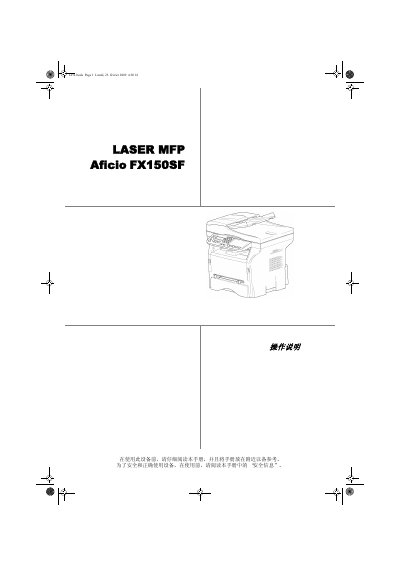
This user manual covers the Ricoh Aficio FX150SF laser multifunction printer. It explains how to use the device safely and correctly, and asks readers to keep the manual nearby for reference.
Topics include safety and laser precautions, certification and environmental information, device and paper installation, control panel operation, copying, fax sending and receiving, printing, phone book and USB memory use, PC functions, maintenance, cleaning, troubleshooting, firmware updates, and specifications. This manual is written in Chinese.
| Laser class | Class 1 laser product |
|---|---|
| Laser diode class | Class 3B laser diode |
| Laser diode max power | 10.72 mW |
| Laser diode wavelength | 770-795 nm |
| LED power | 280 uW |
| LED wavelength | 639 nm |
| Power supply | Single-phase power grid |
It is a Class 1 laser product and contains a Class 3B laser diode.
The manufacturer is Ricoh Co., Ltd.
No. Maintenance and repair must be performed by professional technicians, and users are prohibited from repairing internal components.
Read this manual carefully and keep it nearby for reference.