
The Laser HD008 DVD Player user manual provides operation instructions, connection options, supported file formats, troubleshooting tips, and warranty details.
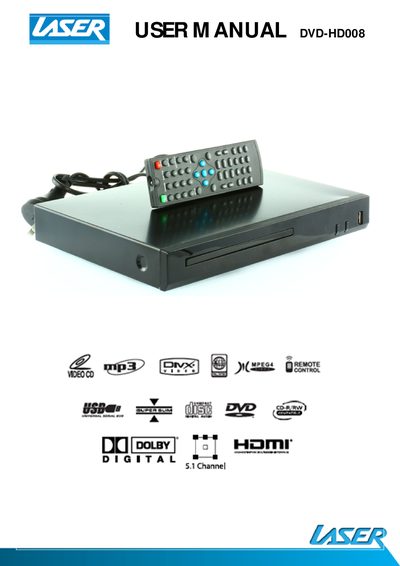
This manual explains how to use the Laser HD008 DVD Player, including remote‑control functions such as play, pause, volume, subtitle, and menu navigation. It also covers system settings, file playback from disc or USB, and how to manage supported video, audio, and image files.
Connection options are described for HDMI, coaxial digital audio, and analog RCA cables, with guidance on multi‑channel audio setups and HDMI compatibility. The FAQ section addresses common issues like no video, remote response problems, audio playback, and disc or file playback performance, while the specifications list supported file formats and warranty information.
| Supported Video Formats | AVI (Xvid), VOB |
|---|
Make sure the TV is turned on, check cable connections, and verify the TV input selection (e.g., HDMI1, HDMI2, AV1, AV2).
Clear any obstacles between the remote and the player, move closer or reduce the angle, replace the batteries if needed, and clean the sensor panel.
Check that the player’s audio output is set correctly, ensure external amplifiers or speakers are connected and powered, verify the TV/monitor input, and confirm the file’s audio track is supported.
Inspect the disc for damage or scratches; if the surface is damaged, repair or replace the disc.