
Key facts
- Brand
- Laser
- Model
- AO-AB750TWS
- Category
- Other Electronics
- Industry
- Electronics
- Documents
- 2
- Languages
- EN
- Last added
- 2026-11-10
Start here
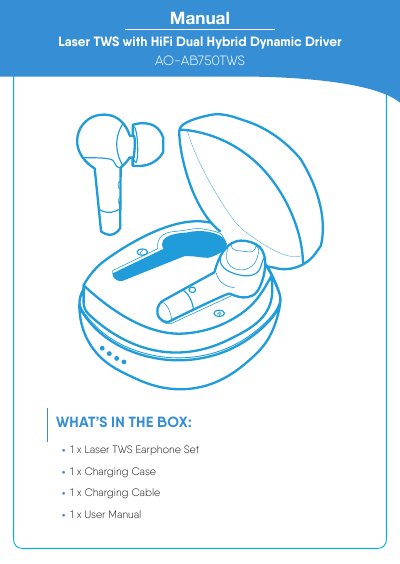
Laser AO-AB750TWS TWS Earphones User Manual
This manual covers the Laser AO-AB750TWS true wireless earphones with HiFi dual hybrid dynamic driver and their charging case. It lists the box contents and explains Bluetooth pairing, disconnecting, and re-syncing, as well as touch-area controls for playback, track skipping, volume, calls, and voice assistant.
The manual also describes wired charging via the USB-C port and wireless charging on a Qi charger, including LED charge indicators and charge times. A troubleshooting section addresses one-earphone audio, Bluetooth connection problems, and audio stuttering, followed by Laser's 12-month warranty against defects.
Laser AO-AB750TWS specifications
| Bluetooth Version | 5 |
|---|---|
| Bluetooth Range | 10 meters |
| Speaker Impedance | 32 Ω ± 15% |
| Earphone Battery Capacity | 40mAh |
| Charging Case Battery Capacity | 400mAh |
| Earphone Runtime | 3 hours |
| Earphone Charge Time | 2 hours |
| Case Charge Time (Wired) | 2.5 hours |
| Case Charge Time (Wireless) | 3.5 hours |
All Laser AO-AB750TWS documents by type
Day-to-day operation, settings and troubleshooting. Start here if the product is already set up.
Questions answered in these manuals
How do I pair the earphones?
Take the earphones out of the charging case; they will automatically turn on, sync, and enter pairing mode. Search for and select AO-AB750TWS in your Bluetooth settings.
How do I answer or reject a call?
Tap either earphone once to answer a call. Press and hold either earphone for 2 seconds to reject the call.
Why is sound only coming out of one earphone?
Make sure both earphones have been charged, then follow the re-syncing instructions in the manual to sync the two earphones together.
Why are the earphones not connecting to my device?
Take both earphones out of the charging case and place them next to the device, wait a minute for the Bluetooth device list to update, then search for and select AO-AB750TWS.