
The Kodak RFS3600 film scanner user manual provides safety precautions, hardware/software requirements, connection, installation, and operation instructions.
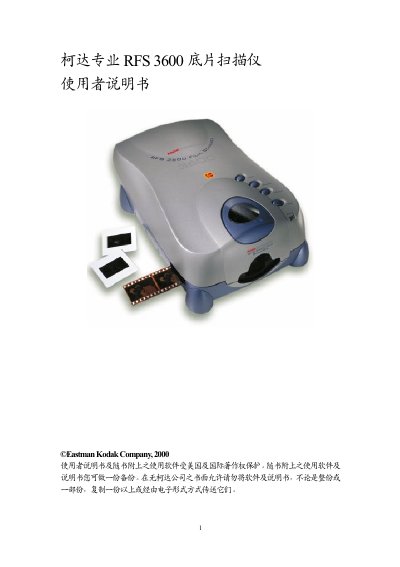
This manual begins with important safety warnings, advising users to keep the scanner away from moisture, avoid disassembly, and use only recommended accessories. It also outlines proper handling, grounding, and power‑supply guidelines to prevent electric shock and equipment damage.
The guide then details the hardware and software requirements for both Mac and PC platforms, explains how to connect the scanner via USB or SCSI, describes software installation, loading film strips or slides, and using the scanning software. A troubleshooting section addresses common issues such as power‑indicator problems, SCSI ID conflicts, and software integration with Photoshop. This manual is written in Chinese.
| Minimum CPU speed | 300 MHz |
|---|---|
| Minimum RAM | 128 MB |
| Minimum hard‑disk space | unspecified (requires available space) |
| Required interface | USB or SCSI‑II |
| Minimum display resolution | 800 × 600, 24‑bit color |
Check that the power plug is fully inserted into the outlet; if it still does not light, try a different power source.
Re‑install the scanner software according to the installation guide and verify that the installation completed successfully.
Re‑install the scanner driver/software and then restart Photoshop to make the scanner appear in the Import menu.