
User manual for JVC GY‑HM200U/E and GY‑HM170U/E 4K memory‑card camera recorders, covering safety, setup, operation and specifications.
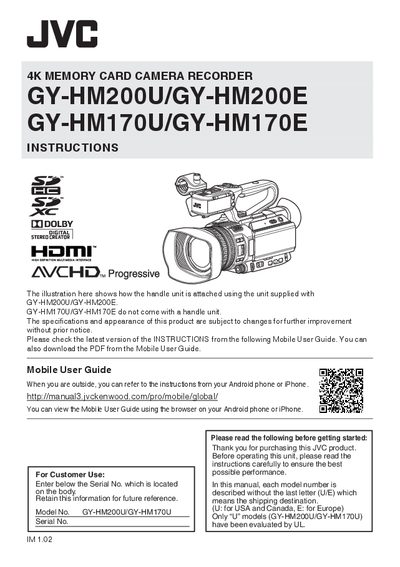
This manual provides safety precautions, installation steps, and detailed operating instructions for the JVC GY‑HM200U/GY‑HM200E and GY‑HM170U/GY‑HM170E 4K memory‑card camera recorders. It explains how to attach the optional handle unit, connect power supplies, insert batteries, and configure recording settings.
The document also lists technical specifications, supported accessories, and troubleshooting tips. It includes a software license agreement for the embedded firmware and references to the mobile user guide for the latest updates.
| Power Input | DC 12 V |
|---|---|
| Power Consumption (4K mode) | ≈ 7.9 W |
| Mass (U model) | ≈ 1.6 kg (with battery) |
| Operating Temperature | 0 °C to 40 °C |
| Dimensions (U model, with handle) | 149 mm × 191 mm × 307 mm |
The supplied AC adapter automatically selects voltage from 110 V to 240 V.
This manual explains 2 error codes. Open a code for its meaning, causes and what to do: