
The JVC KD-SX9350/KD-SX990 CD Receiver User Manual provides installation, operation, settings, and troubleshooting instructions.
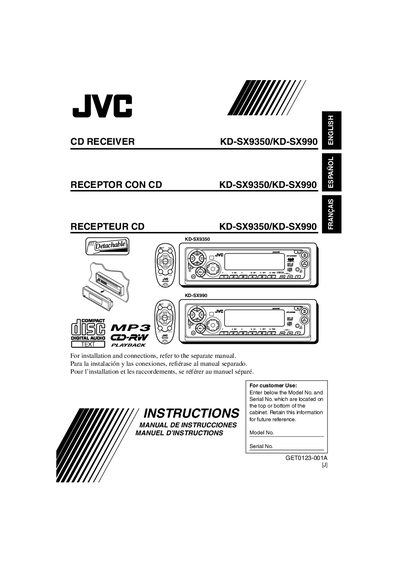
This manual covers safety precautions, installation steps, and remote‑controller setup for the JVC KD‑SX9350/KD‑SX990 in‑dash CD receiver. It explains how to mount the unit, connect power, and replace the remote‑controller battery.
The guide also details basic operations such as turning the unit on, adjusting volume, using the MODE button, radio tuning, CD and MP3 playback, sound‑adjustment settings, and includes a full specifications table for audio, tuner, and CD sections.
| Maximum Power Output (Front) | 50 W per channel |
|---|---|
| Continuous Power Output (RMS) Front | 19 W per channel into 4 Ω |
| Frequency Response (Audio Amplifier) | 40 Hz to 20 000 Hz |
| FM Tuner Frequency Range | 87.5 MHz to 107.9 MHz |
| CD Player Type | Compact disc player |
Detach the control panel and press the reset button on the panel holder with a ball‑point pen; this resets the built‑in microcomputer.
Press the volume button briefly; “ATT” flashes and the volume drops, then press again to resume the previous level.
Remove the battery holder, insert a CR2025 lithium coin battery with the + side facing up, and re‑insert the holder until it clicks.