
The JVC BR-EN900 user manual provides setup, operation, specifications, and maintenance instructions for the HEVC encoding and streaming appliance.
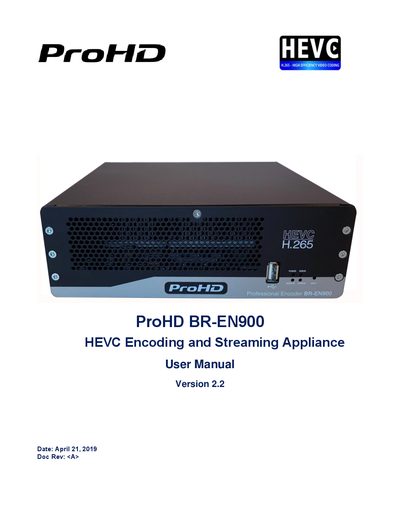
The ProHD BR-EN900 is a hardware encoder that supports HEVC (H.265) and MPEG‑4 Part‑10 (H.264) video compression. It offers a variety of video inputs—including HD‑SDI, SDI, HDMI, DVI and Composite—and streams using UDP TS, RTP TS, RTP ES, and RTMP protocols. The device also provides forward error correction and Zixi™ protection for reliable transmission.
The manual is organized into sections covering an overview of the product, system requirements, licensing, I/O specifications, getting started, setup and operations, reset procedures, firmware upgrades, playback configuration, technical specifications, and warranty information. Each chapter includes step‑by‑step instructions and reference tables to help users install, configure, and maintain the appliance.
| Video Input Types | HD‑SDI, SDI, HDMI, DVI, Composite |
|---|---|
| Encoding Formats | HEVC (H.265) and MPEG‑4 Part‑10 (H.264) |
| Color Sampling / Bit Depth | Up to 4:2:2, 10‑bit |
| Supported Streaming Protocols | UDP TS, RTP TS, RTP ES, RTMP |
| Power LED Status Indicators | Off, Green (ready), Blinking green once/sec (starting), Blinking green twice/sec (upgrading) |
The reset procedure is described in Chapter 5 ‘ProHD BR‑EN900 Reset’.
Off means the appliance is off; solid green means it is ready; blinking green once per second indicates the unit is starting; blinking green twice per second shows a firmware upgrade in progress.
It supports UDP TS, RTP TS, RTP ES, and RTMP streaming protocols.