
The JVC LT-32P679 user guide provides safety instructions, setup steps, remote control functions, and specifications for this 32‑inch LCD TV.
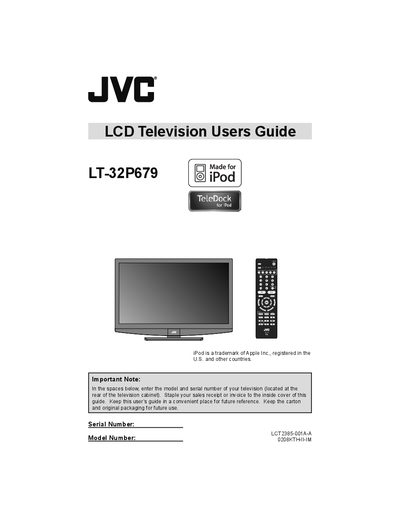
This guide covers important safety warnings, precautions, and installation advice for the JVC LT-32P679 LCD television. It explains how to connect the stand, mount the TV, and protect the unit from moisture, electric shock, and fire hazards.
The manual also details remote‑control operation, channel and tuner setup, picture and sound adjustments, and how to integrate external devices such as iPods. A specifications section lists screen size, power consumption, audio output, and physical dimensions.
| Screen size | 32 inch / 80 cm measured diagonally, 16:9 ratio |
|---|---|
| Power consumption | 159 W |
| Audio output | 10 W + 10 W |
| Dimensions (with stand) | 791 mm × 596.4 mm × 230 mm |
Yes, the remote includes an iPod button that lets you control playback when the iPod is connected to the TV.