
The JVC Smart Music Control Application User Guide provides installation steps, usage instructions, and feature details for controlling music on compatible…
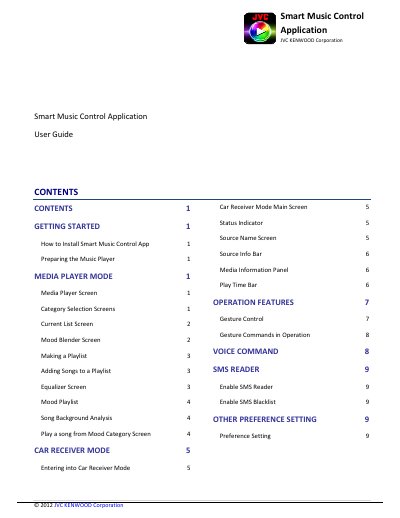
This guide explains how to install the free JVC Smart Music Control app, prepare your Android device, and meet the system requirements (Android 2.2+ and Bluetooth). It covers media playback in the app’s Media Player Mode, creating playlists, using the equalizer, and analyzing song moods.
The document also details how to connect the app to a JVC car receiver (Car Receiver Mode), use gesture and voice commands, enable the SMS reader, and adjust various preference settings.
| Operating system | Android 2.2 and above |
|---|---|
| Connectivity | Bluetooth support required |
Search for “JVC Smart Music” in the Google Play Store or scan the QR code in the guide to download the free app.
The app requires Android OS 2.2 or later and a device with Bluetooth support.
Select a voice recognition engine language in Preferences, then trigger voice command with a two‑finger tap or the proximity‑sensor gesture.
Pair the Android device with the JVC car receiver via Bluetooth, then open the app, go to Menu > Connect, and select the paired receiver.