
Quick guide for the JVC XA‑HD500B digital audio player covering safety, setup, battery charging and basic operation.
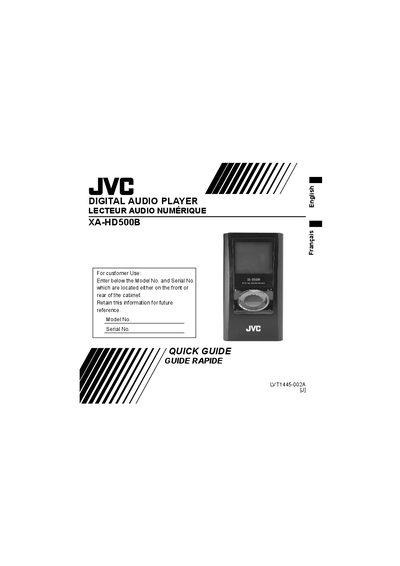
This Quick Guide provides the essential information needed to start using the JVC XA‑HD500B digital audio player. It includes safety instructions, system requirements, battery charging procedures, and basic navigation of the device’s menus.
The guide also outlines how to transfer music files, adjust playback settings, and perform basic maintenance such as battery replacement and cleaning. For detailed instructions, users are directed to the full Instruction Manual on the supplied CD‑ROM.
| Memory type | 1‑inch, 6 GB HDD |
|---|---|
| Playable files | MP3, WMA, WMA‑DRM10 |
| Power supply | AC 100 V – AC 240 V, 50 Hz/60 Hz |
| Charging time | Approx. 3.5 hours (AC adapter/USB cable) |
| Continuous playback time (MP3 64 kbps) | Approx. 30 hours |
| Operating temperature | 5 °C to 35 °C (41 °F to 95 °F) |
| Dimensions (main unit) | 51.5 mm × 91.6 mm × 17.4 mm |
| Mass (main unit) | 90 g (with built‑in battery) |
It takes about 3.5 hours for a full charge when using the supplied AC adapter or USB cable.
The battery is not user‑replaceable; if it needs repair or replacement, consult a JVC dealer or Service Center.
No. The guide states the device must never be used while driving a car, motorcycle, or bicycle for traffic safety reasons.