
HP C8084A/C8085A Stacker/Stapler-Stacker Installation Guide

Installation guide for the HP C8084A/C8085A Stacker/Stapler-Stacker, a 3,000-sheet printer finishing device.
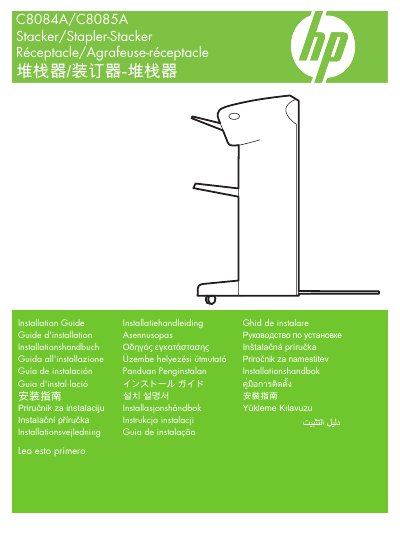

HP C8084A/C8085A Stacker/Stapler-Stacker Installation Guide - cover page
Brand
HP
Category
Printer
Document type
Installation Guide
Language
English
Pages
136
File format
PDF
File size
7.1 MB
Updated
17 November, 2026
MD5 checksum
5E584149101AD36BB7EB906609225268

About this manual

This HP installation guide covers the C8084A/C8085A Stacker/Stapler-Stacker finishing device for HP printers.

It provides multilingual setup instructions, including removing packaging materials, fitting the metal alignment bracket and magnets, placing the unit to the left of the printer, and lowering the connecting rod.

What's inside

  • Remove the face-up bin
  • Unlock the printer front wheels
  • Disconnect power cords
  • Position the finishing device upright
  • Remove orange plastic parts and tape
  • Remove magnets and metal alignment bracket
  • Locate printer caps
  • Position metal alignment bracket and magnets
  • Position finishing device to the left of the printer
  • Lower the connecting rod

Specifications

Capacity3,000 sheets
Required printer trayoptional tray 4 (2,000-sheet input tray)
Installation positionleft of the printer

Frequently asked questions

What tray is required to connect the stacker or stapler/stacker?

An optional tray 4 (2,000-sheet input tray) must be installed before connecting the device.

Where should the finishing device be placed?

It should be positioned to the left of the printer.

Is the face-up bin used when the stacker is connected to the printer?

No, the face-up bin is not used when the stacker or stapler/stacker is connected to the printer.

Download PDF (7.1 MB)

More HP Manuals


View all HP manuals →