
HP PSC 1500 All-in-One series User Manual, introduces the features and characteristics of the product, including the control panel, status indicator lights, using HP Image Zone to perform more operations on HP All-in-One
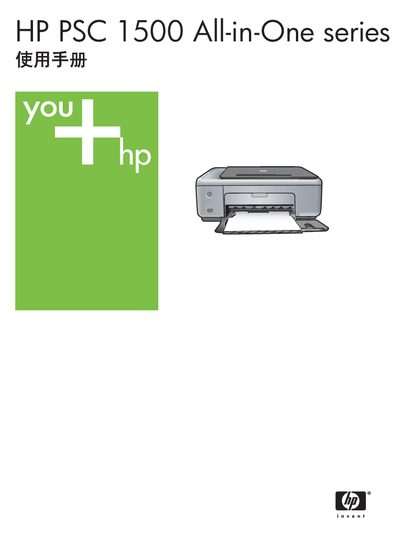
This manual covers the HP PSC 1500 All-in-One series, describing the hardware layout, control panel functions, status indicators and the HP Image Zone software that expands copying, scanning and photo printing capabilities. It also details connection options, paper handling, PictBridge camera use, and how to print from a computer.
Additional sections provide guidance on ordering supplies, routine maintenance, troubleshooting common issues, and full technical specifications such as power requirements, physical dimensions, and print/scan performance. This manual is written in Chinese.
| Physical dimensions (H × W × D) | 16.2 cm × 43.4 cm × 29.0 cm |
|---|---|
| Weight | 5.08 kg |
| Maximum power consumption | 40 W |
| Input voltage | 100–240 VAC @ 50‑60 Hz |
| Print resolution (black & white) | 1200 × 1200 dpi |
| Print resolution (color) | 1200 × 4800 dpi (optimized on photo paper) |
| Print language | HP PCL Level 3, PCL3 GUI, PCL 10 |
The feed tray can hold up to 100 sheets of 20 lb (approximately 75 g/m²) plain paper.
The device consumes a maximum of 40 W of power.
It measures 16.2 cm high, 43.4 cm wide and 29.0 cm deep.