
Installation guide for the EverFocus EAN800A/EAN800AW IP Camera, covering hardware setup, network connection, IP assignment, and wireless configuration.
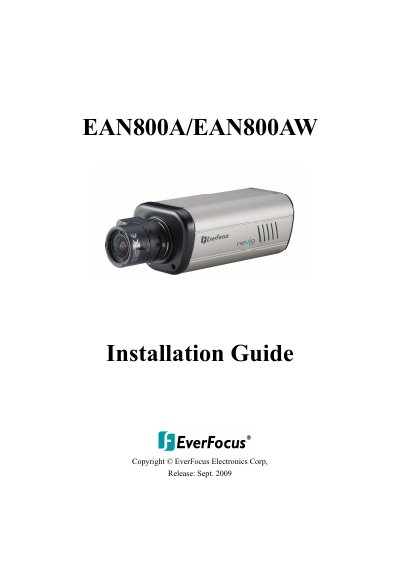
This document provides step-by-step instructions for installing the EverFocus EAN800A/EAN800AW IP Camera. It details the verification of package contents, minimum computer requirements, and the physical hardware connection process. The guide also explains how to mount the lens and antenna and connect the power supply via an adapter or Power over Ethernet (PoE).
| CPU Requirement | PC Pentium IV (2.0 GHz or higher) / AMD Athlon (or higher) |
|---|---|
| VGA Card Requirement | 32 MB min. 16.7 million colours, with DirectX9.0c support |
| Memory Requirement | 512 MB RAM min., 1 GB HD space or above |
| Network Card Requirement | 100 Mbps network card |
| Screen Resolution Requirement | 1024 x 768 pixels or higher, 32-bit pixel color resolution |
| Operating System Requirement | Windows XP, service pack 3 or higher |
| Power Input | 12VDC |
The default User ID is 'user1' and the default password is '11111111'.
Press the reset button inside the hole for 10 seconds using a keen-edged device.
Yes, but you must first connect it via a wired connection to configure the wireless settings.