
This manual introduces the functions and usage of the EA-LAN1 Network Adapter.
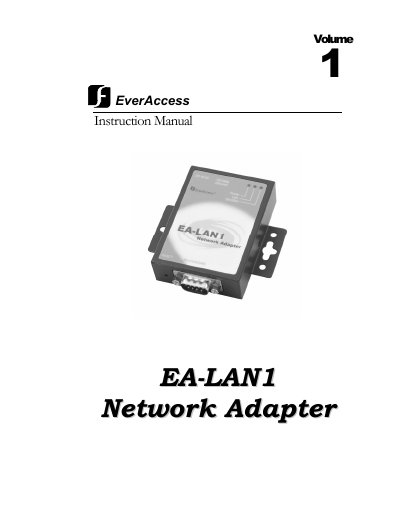
The EverAccess EA-LAN1 is a serial to TCP/IP adapter designed to enable secure remote management of EverAccess Flex Series controllers over a network. It supports various protocols including PPP, Telnet, Rlogin, and SNMP, allowing users to manage devices via standard network connections.
To install the device, users must first set up the software on an installation PC, connect the EA-LAN1 to the local area network, and configure its IP address. Subsequent steps involve connecting the adapter to the controller and installing a COM Port Simulator driver on the administration PC to map ports over TCP/IP.
| CPU Speed | 100 MHz |
|---|---|
| Memory Size | 2M |
| Network Port Speed | 10M/100M selfadapting |
| Serial Port Max Speed | 230.4K |
The speed of the serial port can reach up to 230.4K.
Yes, it supports PPP protocol and corresponding functions of dial in & dial out.
The device supports TCP/IP, UDP, ICMP, Telnet, Rlogin, LPD, DNS, SNMP agent, and security protocols like RADIUS, PAP, and CHAP.