
User manual for the ELO Touch Solutions 2201L touch monitor, covering installation, mounting, operation, and technical specifications.
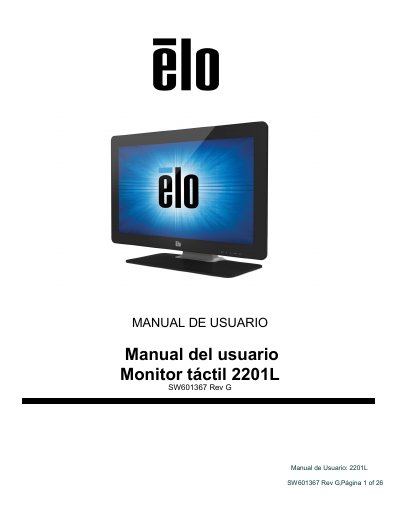
This user manual provides instructions for the ELO Touch Solutions 2201L touch monitor, a 24-bit TFT LCD display with Full HD resolution. The device features IntelliTouch Plus technology, integrated speakers, and supports various input methods including DVI and VGA. It is designed to provide a natural information flow between the user and the monitor. This manual is written in Spanish.
| Resolution | 1920 x 1080 pixels |
|---|---|
| Panel Type | TFT Active Matrix Color |
| Input Voltage | 12 V DC |
| Operating Temperature | 0 °C to 40 °C |
| Storage Temperature | -20 °C to 50 °C |
No, it uses Windows HID drivers and does not require additional drivers for these operating systems.
Press the power button on the monitor once to turn it on or off.