
Key facts
- Brand
- Elo Touch Solutions
- Model
- 2201L
- Category
- Monitor
- Documents
- 5
- Languages
- EN · ES · DE
- Last added
- 2026-11-07
Start here
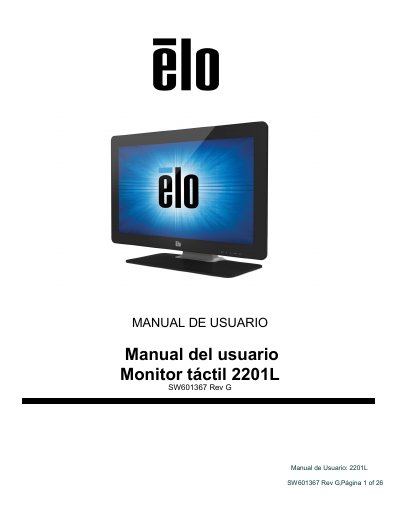
ELO Touch Solutions 2201L Touch Monitor User Manual
This user manual provides instructions for the ELO Touch Solutions 2201L touch monitor, a 24-bit TFT LCD display with Full HD resolution. The device features IntelliTouch Plus technology, integrated speakers, and supports various input methods including DVI and VGA. It is designed to provide a natural information flow between the user and the monitor. This manual is written in Spanish.
Read onlineElo Touch Solutions 2201L specifications
| Input voltage | 100 -240VAC, 50 -60Hz |
|---|---|
| Output current | minimum 3A |
| Monitor input | 12VDC, 3A |
| Operating temperature | 0°C - 40°C |
| Operating humidity | 20% to 80% (non -condensing) |
| Storage temperature | -20°C - 50°C |
| Storage humidity | 10% to 95% (non -condensing) |
All Elo Touch Solutions 2201L documents by type
Day-to-day operation, settings and troubleshooting. Start here if the product is already set up.
Questions answered in these manuals
What voltage and frequency does the touchmonitor require?
It requires 100 -240VAC at 50 -60Hz.
What is the operating temperature range?
The operating temperature range is 0°C to 40°C.
Does the monitor require additional drivers for Windows 7 and 8?
No, it uses Windows HID drivers and does not require additional drivers for these operating systems.
How do I turn the monitor on or off?
Press the power button on the monitor once to turn it on or off.
Do I need to install drivers for Windows 7 or 8?
No additional drivers are required as the monitor uses the Windows HID driver.
Does the monitor support multiple touch points?
Yes, when connected to a Windows 7 computer, it can report up to two simultaneous touches.