
The Datalogic Skorpio X3 mobile computer user manual provides setup, operation, connection, and maintenance instructions for the rugged device.
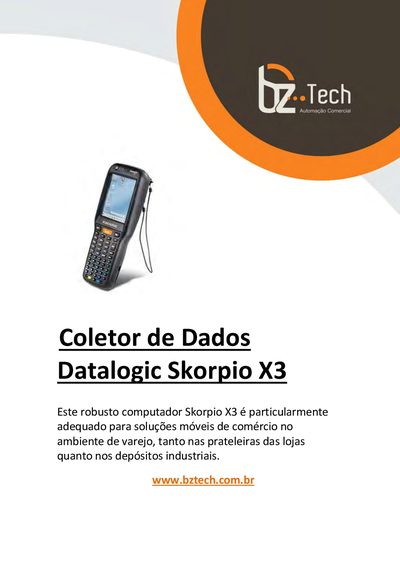
This manual introduces the Skorpio X3 rugged mobile computer, describing its ergonomic design, dual‑processor architecture, and integrated data‑capture features. It covers the device’s hardware layout, battery handling, and environmental specifications.
The guide details connections (USB, RS232, WLAN, Bluetooth), software utilities, configuration options, and safety regulations. Technical data such as dimensions, weight, display, operating temperature, and compliance information are provided for installers and service technicians.
| Dimensions (Handheld) | 193 x 76 x 42 mm |
|---|---|
| Weight (Handheld) | 392 g (13.8 oz) |
| Display | 3.2" diagonal, 320 x 240 pixels, 65K colours, backlit, touch screen |
| Operating Temperature | -10 °C to +50 °C |
| Drop Resistance | 1.5 m onto concrete |
| ESD Protection | 4 kV contact discharge, 8 kV air discharge |
| Battery Charging Temperature | 0 °C to 35 °C |
The battery pack is replaced by following the steps in section 2.2 “Replacing the Battery Pack”.
The Skorpio X3 supports Bluetooth® and IEEE 802.11a/b/g Wi‑Fi wireless communications.
Use the Windows CE Touch Screen Calibration procedure described in section 4.2.