
Quick reference guide for Datalogic Magellan 9300i/9400i scanners and scanner-scales covering operation, controls, indicators, cleaning, and EAS options.
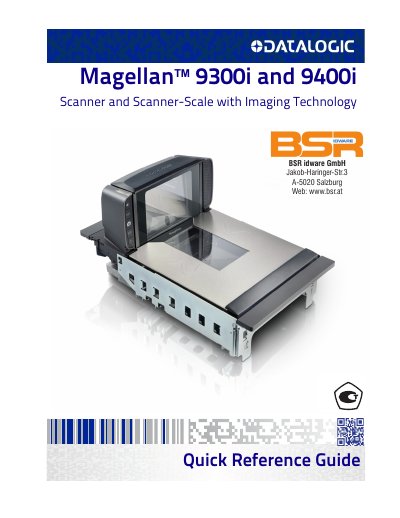
This quick reference guide covers the Datalogic Magellan 9300i and 9400i multi-plane imaging scanners and scanner-scales. It describes basic operation, including scanning items, weighing items on the All-Weighs platter for scale models, EAS deactivation options, controls and indicators, and cleaning. For detailed setup, installation, and programming, the guide refers readers to the Product Reference Guide.
The document also lists certification label placement, LED and beeper indications, error codes, ScaleSentry and Sensormatic EAS indications, label programming mode indications, and warranty information.
| Bar code types | 1D and 2D |
|---|---|
| Beeper volume settings | Five |
| Scanning directions | Bottom, left, right, front, and back sides of an item |
| Image capture | Using the vertical window |
Slide or push items through the scan zone in a right-to-left or left-to-right movement; the scanner reads items equally well in either direction.
Items can be placed anywhere on the L-shaped All-Weighs platter surface, and oversized items can be weighed while leaned against the center of its vertical section.
Use a clean, lint-free cloth or paper towel dampened with a nonabrasive, mild, water-based window cleaner, and do not spray cleaners directly on the scanner.
The optional ScaleSentry feature monitors items placed on the platter to detect and indicate if they overhang non-weighing surfaces.