
User guide for the Datalogic Falcon X4 rugged mobile computer with 1D/2D imager, covering setup, usage, maintenance, and technical specs.
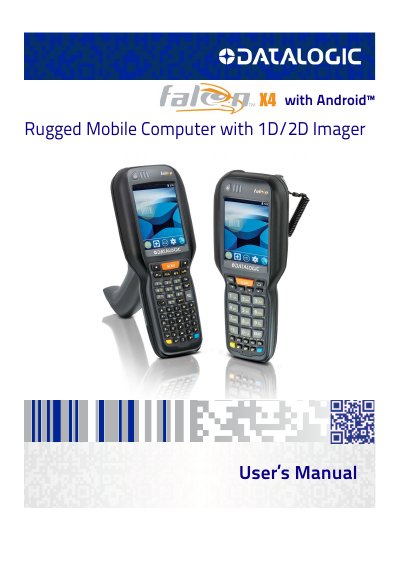
This manual provides detailed instructions for using the Datalogic Falcon X4 mobile computer, including setup, configuration, connectivity, and maintenance. It covers hardware components, software settings, scanner options, and safety information. The device features a rugged design with IP65 sealing, drop resistance, and dual OS support (Windows Embedded and Android™). It includes a 3.5-inch display, hot-swappable battery, and multiple input/output options for industrial and commercial use.
| Dimensions (Handheld) | 22.5 x 8.8 x 5.5 cm / 8.9 x 3.5 x 2.2 in |
|---|---|
| Weight (Handheld) | 608.0 g / 21.4 oz |
| Display Size | 3.5 inch |
| Display Resolution | 320 x 240 pixels |
| Battery Capacity | 5,200 mAh |
| Operating Temperature | -20 to 50º C / -4 to 122º F |
| Drop Resistance | Withstands drops from 1.8 m / 6.0 ft onto concrete |
The Falcon X4 supports Windows Embedded and Android™ operating systems.
The Falcon X4 has a hot-swappable one-piece 5,200 mAh battery.
The Falcon X4 has an IP65 rating for particulate and water sealing.