
The Canon XA25/XA20 HD Camera User Manual provides operating instructions, feature descriptions, and technical specifications for the XA25 and XA20 camcorders.
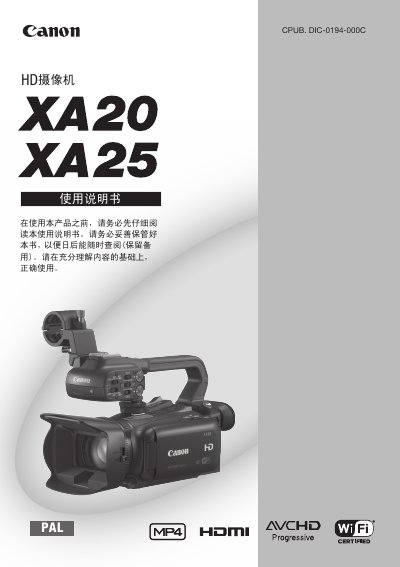
This manual explains how to set up and operate the Canon XA25/XA20 HD camcorders. It covers basic functions such as power on/off, menu navigation, recording modes, lens control, and advanced features like image stabilization, face‑priority tracking, and infrared recording.
The guide also details Wi‑Fi connectivity for remote control and file transfer, external connections (HD/SD‑SDI, HDMI, AV, USB, audio ports), safety precautions, troubleshooting, and full technical specifications of the cameras.
| Image sensor | 1/2.84‑inch CMOS, 2,910,000 effective pixels |
|---|---|
| Recording media | Dual SD/SDHC/SDXC card slots |
| Power supply | 7.4 V DC battery (8.4 V AC adapter), 4.5‑4.6 W consumption |
| Video formats | AVCHD and MP4 (H.264) up to 1920 × 1080 px |
| Audio recording | Linear PCM 16‑bit 48 kHz stereo, Dolby Digital stereo |
| HDMI output | Mini HDMI connector, 1 Vp‑p / 75 Ω |
Use the built‑in Wi‑Fi function with a smartphone or tablet and the Canon remote‑control app to operate the camera and view or upload recordings.
Activate the Dual Record function (A47) to record the same scene to two memory cards simultaneously, optionally in different formats.