
The Canon VIXIA HF G20 camcorder instruction manual provides safety guidelines, setup steps, operation details, and specifications.
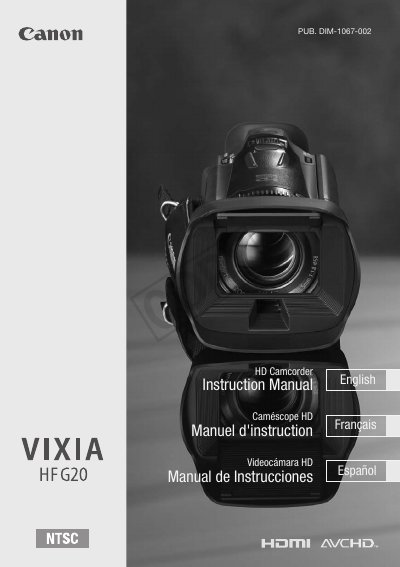
This manual explains how to safely set up and operate the Canon VIXIA HF G20 camcorder. It includes safety warnings, preparation steps, basic operation, recording modes, playback functions, and connection options.
The document also lists the camcorder's technical specifications, accessories, battery and power information, and warranty details, helping users get the most out of the device.
| Image Sensor | 1/3-inch CMOS, 2,370,000 pixels |
|---|---|
| LCD Touch Screen | 3.5 in., wide, TFT color, 922,000 dots, 100% coverage |
| Lens | f=4.25-42.5 mm, F/1.8-2.8, 10x optical zoom |
| Power Supply | 7.4 V DC (battery) / 8.4 V DC (adapter) |
Do not expose the camcorder to rain or moisture and keep it away from liquids.
With the 32 GB built‑in memory, MXP mode records up to 2 hours 55 minutes.
Use the HDMI mini connector; it provides video output only and is HDMI‑CEC compatible.