
This manual provides safety instructions, operating guidelines, and maintenance information for Avision multifunction printers.
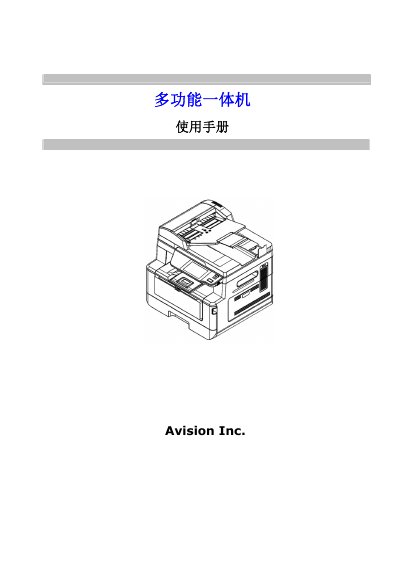
This document serves as the user manual for Avision multifunction printers. It outlines essential safety precautions, including warnings about electrical hazards, laser radiation, and proper disposal of electronic waste. The text emphasizes compliance with FCC and EU regulations regarding electromagnetic compatibility and safety standards.
The manual details operational requirements such as proper placement to ensure ventilation, handling of consumables like toner cartridges, and correct usage of power cords. It also provides specific instructions on clearing paper jams and troubleshooting common issues like abnormal odors or smoke, directing users to authorized service stations for repairs. This manual is written in Chinese.
This printer is a Class 1 laser product.
Keep at least 10 cm clearance between the printer and the wall.
Rinse the eyes with clean water until the pain stops; seek medical attention if severe.