
User manual for Avision feed document scanners FL-1313B, FL-1406B, and FL-1603B, covering safety, setup, system requirements, and troubleshooting.
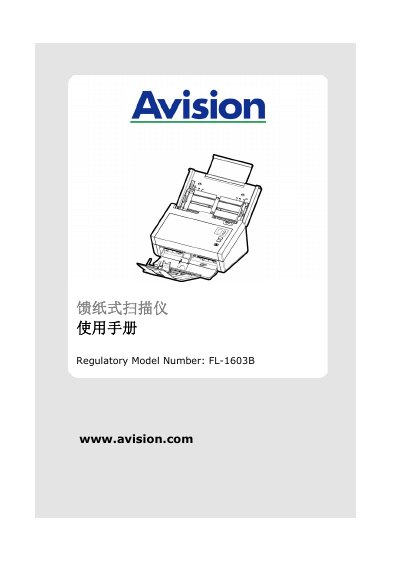
This manual provides instructions for installing, operating, and maintaining Avision feed document scanners FL-1313B, FL-1406B, and FL-1603B. It includes safety warnings, system requirements (CPU, RAM, OS compatibility), setup steps, scanning modes, and troubleshooting tips. The manual also covers regulatory compliance (FCC, EU) and disposal guidelines for electronic waste.
Technical details include supported paper sizes, thickness limits, and software compatibility with Windows 7/8/10. It explains how to adjust scan settings like resolution, brightness, contrast, and automatic cropping/rotation. Contact information for technical support and service centers is provided in the manual. This manual is written in Chinese.
| Supported OS | Windows 7, Windows 8 (32-bit/64-bit), Windows 10 (32-bit/64-bit) |
|---|---|
| CPU Requirement | Intel® Core™ 2 Duo or higher |
| RAM Requirement | 32-bit: 2 GB, 64-bit: 4 GB |
| Paper Size | 50 x 50 mm to 216 x 356 mm |
| Paper Thickness | 27~413 g/m2 (7~110 lb.) |
Adjust the brightness setting; low brightness can cause lines to appear thicker.
These functions require significant computer memory; set resolution to 600 dpi or lower for optimal performance.