
Avision DT-1106B/DT-1110B document scanner getting started manual covering setup, first scan, ISIS, buttons, maintenance, troubleshooting, and specs.
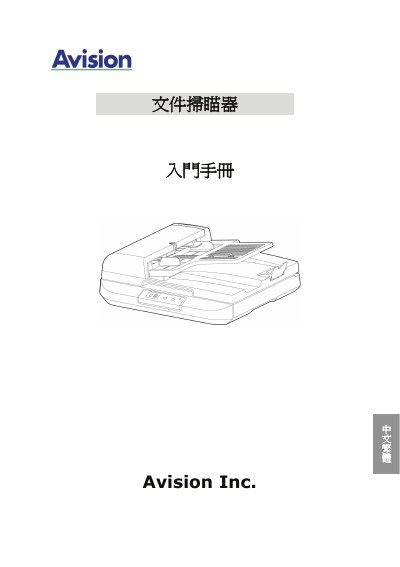
This Traditional Chinese getting started manual covers the Avision DT-1106B (single-sided) and DT-1110B (duplex) document scanners. It describes the included items, removing the scanner lock, connecting power and USB, installing the scanner driver and Button Manager V2, and completing a first scan.
It also covers the ISIS interface, scanner buttons, cleaning the scanner glass and ADF, removing unusual lines and paper jams, and product specifications including 600 dpi optical resolution, USB 2.0, and 24 Vdc 2.0 A power. This manual is written in Chinese.
| Models | DT-1106B (single-sided); DT-1110B (duplex) |
|---|---|
| Scanner type | Flatbed and automatic document feeder |
| Image type | Black and white, grayscale, color |
| Light source | LED lamp |
| Maximum document size | 11.7 x 16.5 in (297 x 420 mm) |
| Power consumption | Less than 30 W operating; less than 12 W standby |
| Interface | USB 2.0 |
| Power | 24 Vdc, 2.0 A |
| Humidity | 10 to 85%RH |
| Dimensions | 23 x 19.6 x 7.7 in (585 x 499 x 195 mm) |
| Weight | DT-1106B: 11.5 kg (25.4 lb); DT-1110B: 11.7 kg (25.8 lb) |
The specifications list the DT-1106B (single-sided) and DT-1110B (duplex).
Move the scanner lock switch to the unlocked position before turning on power or connecting the signal cable.
The ADF accepts paper from 5.8 x 8.3 in (148 x 210 mm) to 11.7 x 16.5 in (297 x 420 mm).
Open the ADF cover outward, gently remove the paper from the ADF, and close the ADF cover.