
This user manual provides instructions for the installation, operation, and maintenance of the Avision DL-1707B color scanner.
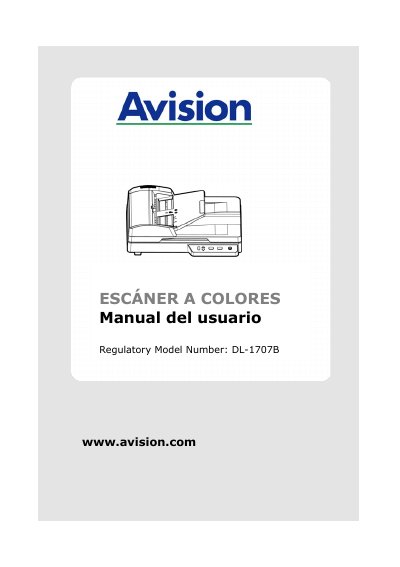
The Avision DL-1707B is a high-performance color document feeder scanner designed to scan multi-page documents from an automatic document feeder or single-page documents from a tray. The manual covers unboxing, system requirements, and safety guidelines for safe operation. This manual is written in Spanish.
| CPU Requirement | Intel Core 2 Duo or higher |
|---|---|
| Memory Requirement (32-bit) | 2 GB |
| Memory Requirement (64-bit) | 4 GB |
| Optical Drive | DVD-ROM Drive |
| USB Port | USB 2.0 (compatible with USB 3.0) |
Adjust the screen settings to sRGB and adjust the brightness setting in the application software.
These functions consume a large part of system memory, so it is suggested to set the optical resolution below 600 dpi to avoid error messages.