
This user manual provides installation, operation, and maintenance instructions for the Avision DF-2008B sheetfed scanner, including system requirements and…
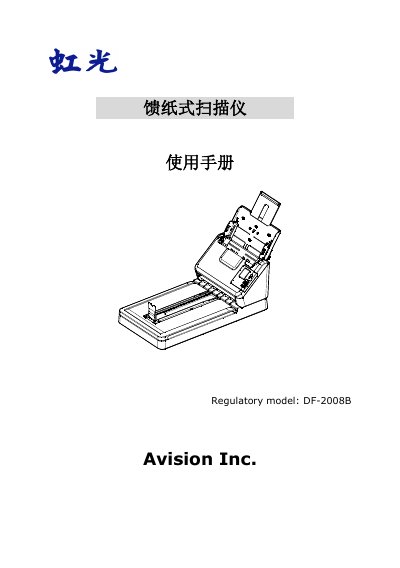
The Avision DF-2008B is a sheetfed scanner designed to scan multi-page documents via an automatic document feeder or single sheets via a flatbed. This manual covers the complete setup process, including unpacking, driver installation, and connecting the device to a computer running Windows 7, 8, or 10. It also details the various scanning modes available through the ISIS and TWAIN interfaces. This manual is written in Chinese.
| CPU Requirement | Intel Core 2 Duo or above |
|---|---|
| Memory Requirement (32-bit) | 2 GB |
| Memory Requirement (64-bit) | 4 GB |
| USB Interface | USB 3.2 Gen 1x1 |
| Paper Size (Max) | 216 x 356 mm |
| Paper Thickness | 27 ~ 413 g/m2 |
The scanned lines may appear thicker than the original file because the low brightness causes line edges to be viewed as black areas.
No, these options cannot function when the optical resolution exceeds 600 dpi due to high memory usage.