
User manual for the AVISION PaperAir 10 flatbed scanner, covering safety, installation, software setup, and basic usage instructions.
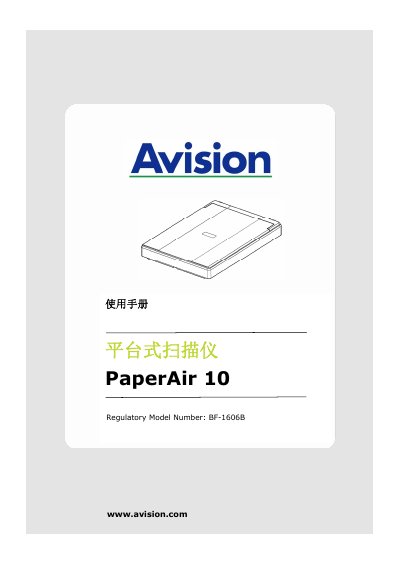
This document is the user manual for the AVISION PaperAir 10 flatbed scanner, model BF-1606B. It provides essential information regarding regulatory compliance, safety warnings, and system requirements before installation. The guide details the unboxing process, including a list of included accessories, and explains how to properly unlock the transport lock on the scanner before powering it on. This manual is written in Chinese.
| Compatible Operating Systems | Windows 10, 8, 7, Vista, XP (SP3) |
|---|
The model number is BF-1606B.
It is compatible with Microsoft Windows 10, Windows 8, Windows 7, Windows Vista, and Windows XP (SP3).