
Argox OS-2140 desktop barcode label printer user manual covering setup, media loading, calibration, connections and troubleshooting.
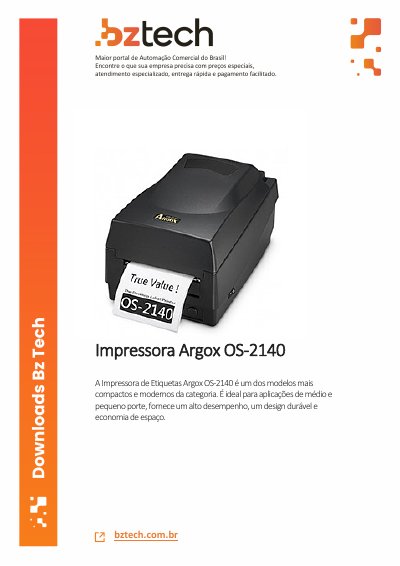
This user manual is for the Argox OS-214plus/OS-2140D/OS-2140/OS-2140Z/OS-2140DZ desktop barcode label printers. It covers unpacking, power connection, printer parts, loading ribbon and media, calibration, computer interfaces, driver installation, troubleshooting, cleaning and technical specifications.
The manual also includes appendices for installing the optional cutter and extension board. The printers support common barcodes, including 2D QR Code, with print speeds up to 127 mm/s at 203 dpi. This manual is written in Portuguese.
| Print speed | Up to 127 mm/s |
|---|---|
| Print resolution | 203 dpi |
| Barcode support | 2D QR Code |
| Power adapter output | 24 VDC, 2.4 A |
| Ribbon core diameter | 0.5 in (12.7 mm) |
Use only an adapter with 24 VDC, 2.4 A output.
The printer can print at up to 127 mm per second at 203 dpi.
Inspect the box and printer, then contact the carrier immediately to file a claim.
The package includes a 0.5 in (12.7 mm) ribbon core.