
AMETEK enVision 3.4 Software User Manual for installing, configuring, and using enVision PCS software with enVision enabled products.
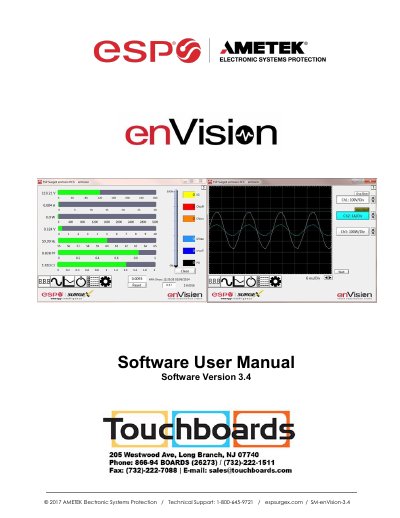
AMETEK enVision 3.4 Software User Manual covers installation, configuration, and operation of the enVision PCS software used with enVision enabled products. It describes computer and hardware requirements, Data Interface Cable installation, physical connections, COM port setup, software modes, settings, and command line operation.
The manual details modes such as Multimeter, Scope, Chart, Outlet Control, Historical Data, Settings, and COM Port Setup. It also lists measurement parameters, power quality event counts, oscilloscope bandwidth, voltage thresholds, and troubleshooting information.
| Minimum processor | 133 MHz Pentium (or equivalent) |
|---|---|
| Minimum RAM | 64 MB |
| Minimum free hard drive space | 10 MB |
| Minimum screen resolution | 1024 x 768 |
| Supported operating systems | Microsoft Windows XP/Vista/7/8 |
| Data Interface Cable | XG-PCS-1C-1 |
| Multimeter measurement accuracy | ±2% |
| Oscilloscope bandwidth | 4 kHz |
| Auto transmit interval | Every 30 minutes |
| Update ID limit | 10 characters |
The software requires at least a 133 MHz Pentium processor (or equivalent), 64 MB of RAM, 10 MB of free hard drive space, a VGA or higher resolution monitor, keyboard, mouse, CD or DVD drive, a minimum screen resolution of 1024x768, and Microsoft Windows XP/Vista/7/8.
It is for use with enVision enabled products and the Data Interface Cable (XG-PCS-1C-1).
Plug the USB side into an available USB port and the RJ-11 side into the RJ-11 OUT jack labeled Data Port on the enVision enabled unit.
It displays eight electrical parameters and counts of recorded power quality events, with ±2% measurement accuracy.