
This manual introduces the models, features, installation, hardware and other information of the enVision series filters.
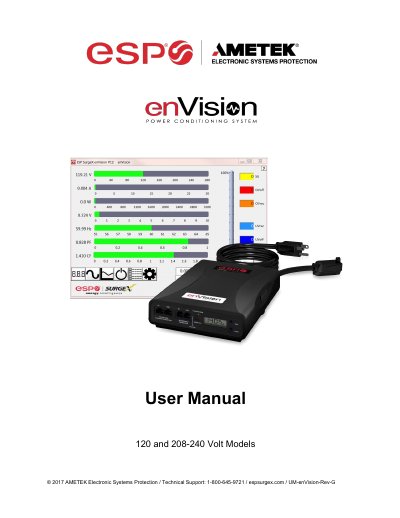
The enVision PCS is a microprocessor-controlled power filter engineered with real-time data acquisition and storage. It features normal and common mode EMI noise filtering, multi-stage surge suppression, and inrush current elimination. The device includes an LCD Event Monitor to display electrical parameters and record power disturbances.
| Voltage (AC RMS) | 120, 208-240, 230 |
|---|---|
| Current (AC Amps) | 10, 15, 16, 20, 30 |
| Event Recorder Capacity | up to 65535 events |
| Surge Recording Modes | Line-Neutral, Line-Ground, Neutral-Ground |
| Event Timestamp Capacity | up to 512 events |
The supported models include 120V, 208-240V, and 230V AC RMS.
Yes, but the EV-230xx models do not support a Modem Fax telco port.
Press and hold the Menu and Scroll buttons to perform control actions, or use the Disturbance History Clear (dhC) command.