
This is an installation manual of enVision filter
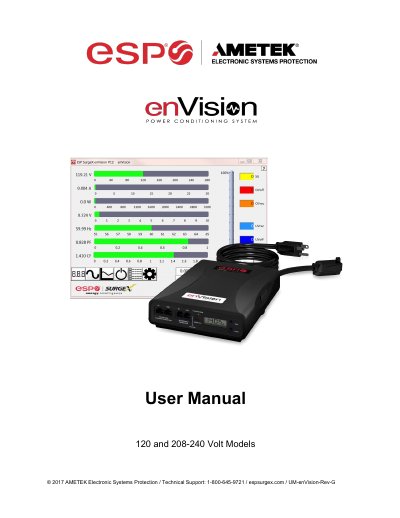
This manual provides step-by-step instructions for installing the AMETEK enVision PCS power filter, including connecting modem/fax lines, Ethernet networks, and equipment. It covers hardware setup, wiring fault detection, abnormal voltage handling, and software configuration for data retrieval and monitoring. The filter offers surge protection, event recording, and real-time data logging for 120V and 208-240V models.
| Voltage (AC RMS) | 120 or 208-240 |
|---|---|
| Current (AC Amps) | 10 to 30 |
| Surge Event Recorder | up to 65535 events |
| Event Timestamp Recorder | up to 512 events |
This manual applies to enVision PCS models including EV-12010 BR, EV-12015, EV-12016 BR, EV-12020, EV-20815, EV-20816 BR, EV-20820, EV-20830-630, EV-20830-L630, EV-23010, EV-23016, EV-23016-F, and EV-23030-GNS.
Plug the Filter input power cord into a properly grounded and compatible branch circuit outlet. The plug is used as the disconnect device.
The Red ‘Wiring Fault’ LED will illuminate and the LCD will display specific wiring fault information. Contact a licensed electrician to correct the outlet wiring.